How should I plan for multi room coordination?
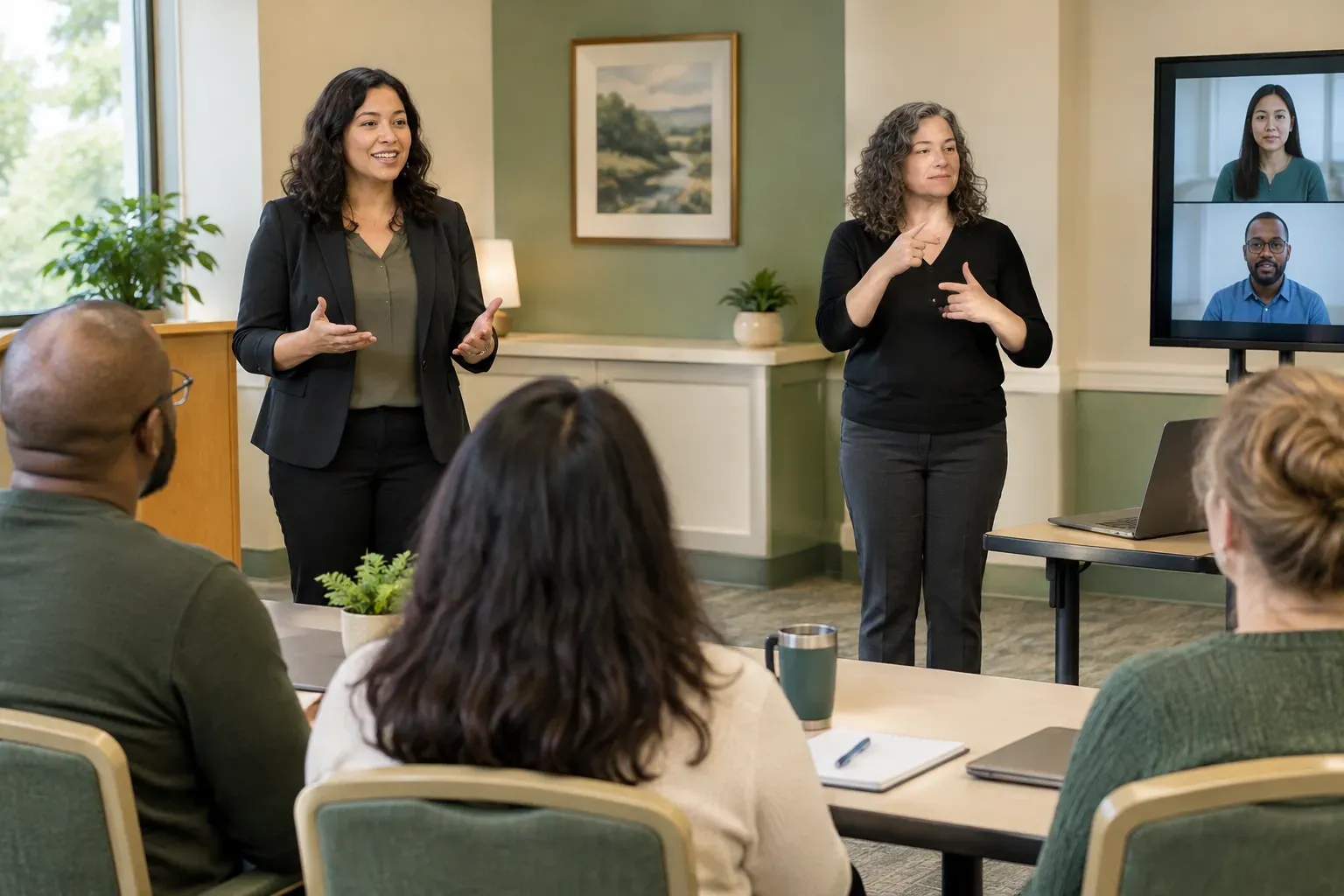
Identify primary and secondary sightlines in each room so that your ASL support remains visible to all participants regardless of the conference layout.

When planning events at RCC Hunters Woods, prioritize sightline alignment between the speaker and the interpreter to accommodate multi room flow. Establishing a clear visual corridor allows participants to focus on the signed message without architectural distractions, ensuring the technical aspects of your presentation remain accessible to all attendees.
Assess the layout of specific rooms like the woodworking studio or the areas surrounding the Terry L. Smith Aquatics Center early in your process. Mapping out where the interpreter will stand relative to the main presentation screen helps prevent vision obstruction, which is critical when managing large groups in diverse facility spaces.
Provide interpreters with all presentation slides and technical terminology lists before your event. This allows the team to research specialized vocabulary and prepare accurate signing for complex topics. When utilizing multiple speakers, establish a clear physical handoff signal so the interpreter follows the presenter change without delay. If your event includes document reviews, distribute printed copies or shared digital files to the interpreter in advance. This preparation ensures they can reference specific page numbers or content blocks while simultaneously signing information to the audience without breaking their line of sight to the room.
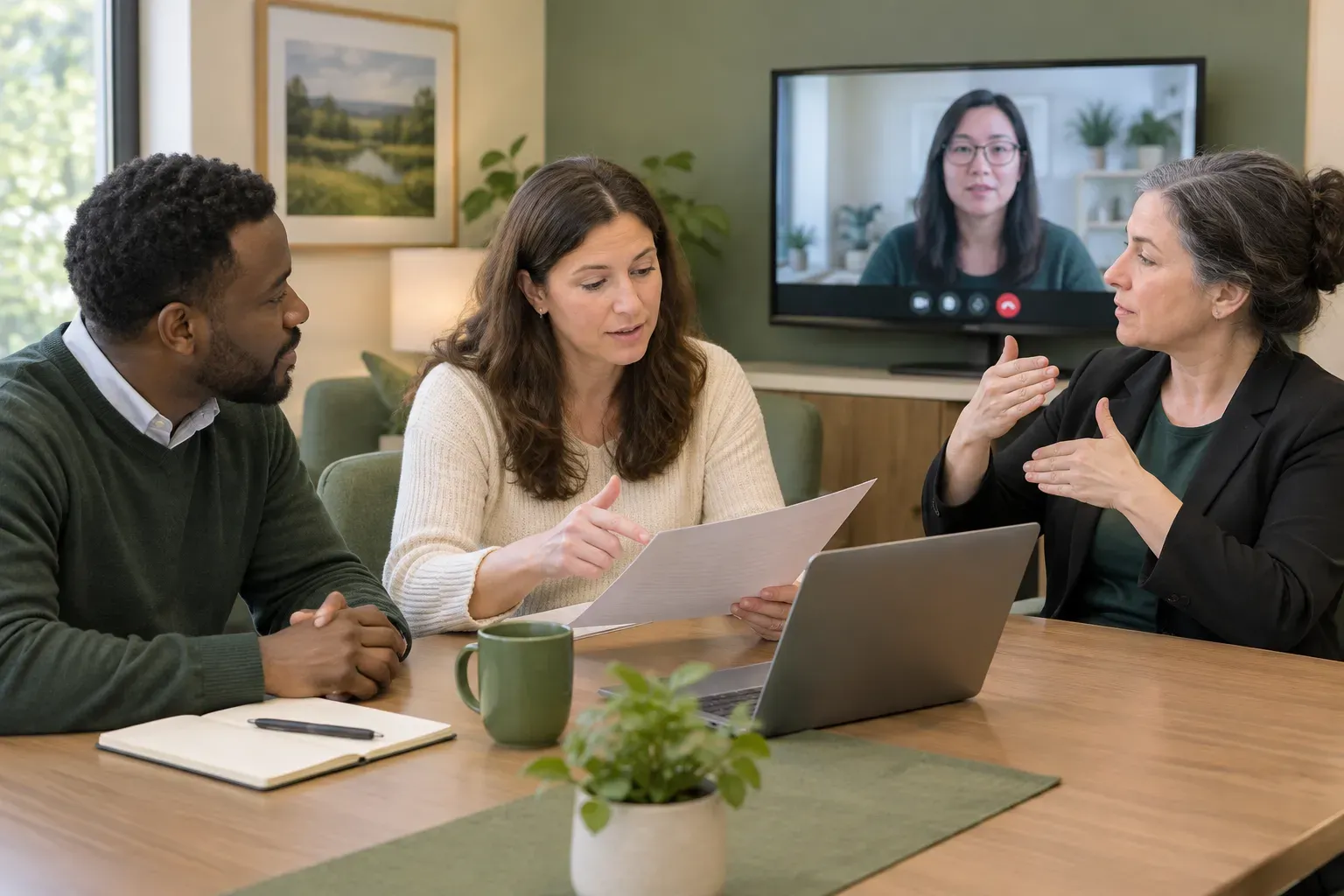
For sessions held at RCC Lake Anne, review the entrance and room configuration to maintain a consistent flow for hybrid participants. Given the location at the plaza entrance, consider how external movement might influence the lighting and acoustic quality of your meeting space, which directly impacts the clarity of visual communication.
Ensure your digital infrastructure supports the visual requirements for remote observers watching the live interpreting feed. Testing video placement before your event starts allows for adjustments in bandwidth and camera positioning, keeping the interpreter's signing visible for both in person guests and those joining remotely.
While navigating spaces like the Reston Regional Library on Bowman Towne Drive, monitor current facility conditions and potential shifts in room availability. Identifying backup zones within the library footprint ensures your planned communication sessions proceed smoothly even if primary rooms undergo maintenance or shifts in service status.
Effective communication planning in public hubs relies on being aware of the environment rather than relying on assumed layouts. Coordinate your scheduling by verifying which areas remain open for group work, allowing your ASL support to integrate naturally into the existing flow of the library during your chosen session window.
Explore Reston using the map controls. This map shows geography, not an office or appointment address.
Identify primary and secondary sightlines in each room so that your ASL support remains visible to all participants regardless of the conference layout.
Consult official channels for locations like the library or community centers to verify current room accessibility before finalizing your event agenda.
Maintain flexibility by assessing room configurations in advance and having a clear plan for interpreter placement that works across different settings.
Explore the Service Areas page. Read about the interpreting service.
Visit the Contact page to prepare your inquiry.